01
Set your session
Open the booth, choose 2, 3, 4, or 6 shots, set the photo interval, and allow camera access.
Online photobooth tools
Start a private webcam photobooth session, pick a social-ready layout, edit backgrounds, add filters and frames, then download a PNG with no app, no signup, and no watermark.
One camera session
Take photos, then turn them into a shareable print.
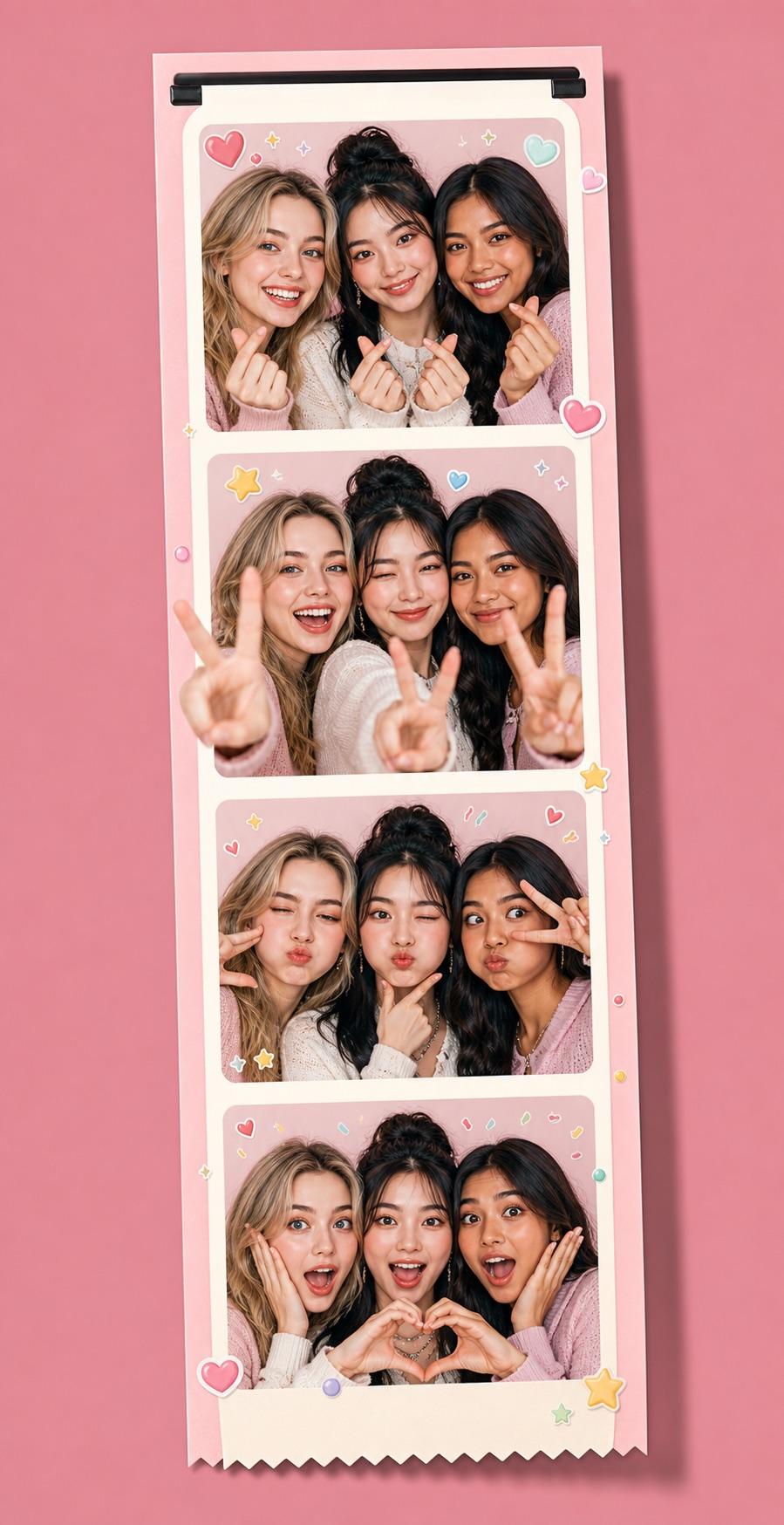
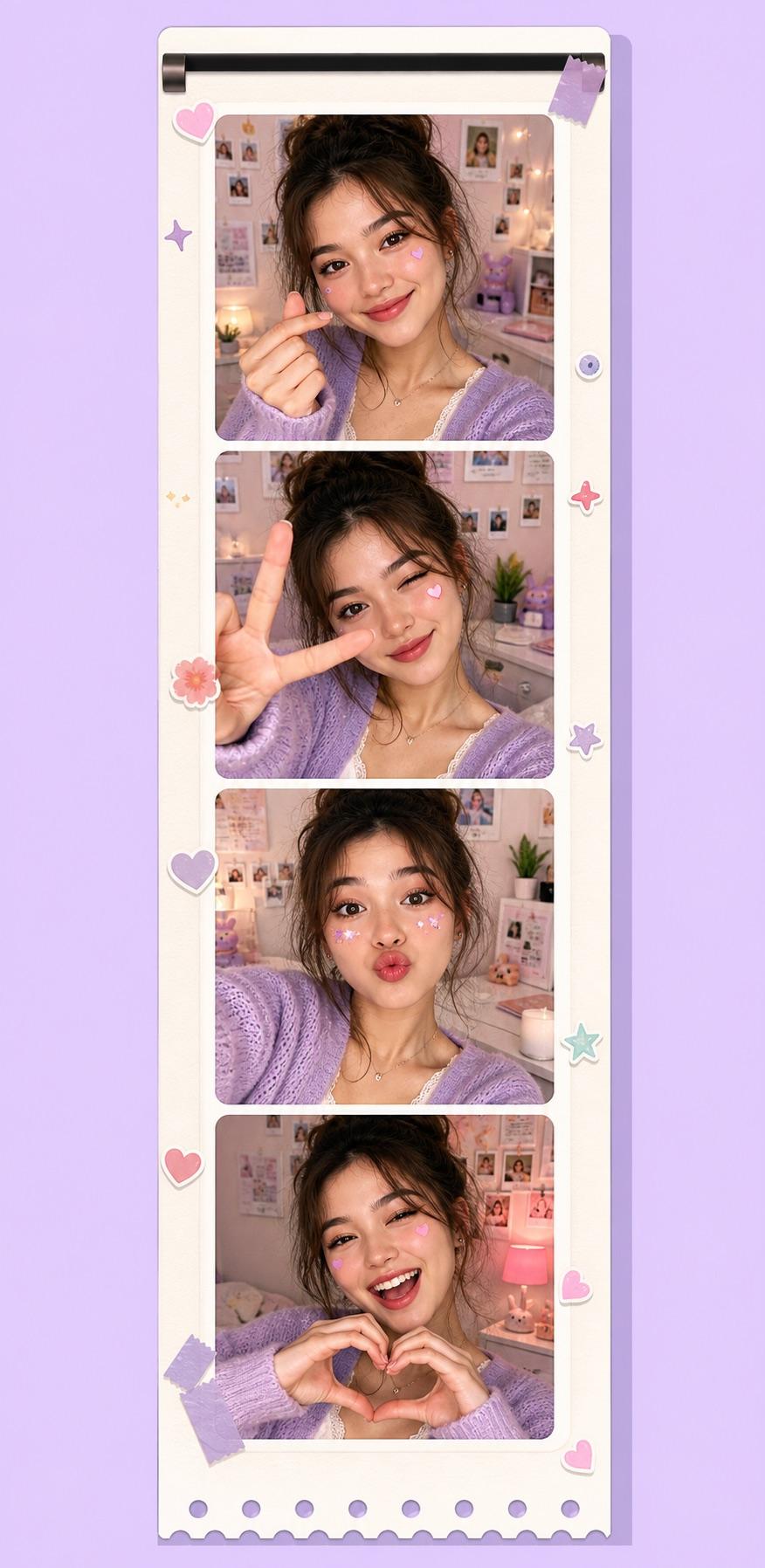
Choose your country or language
No-install browser booth
Open the booth and shoot from your browser.
Private webcam capture
Your webcam photos stay on your device.
Cute PNG photo strips
Download cute photo strips without a watermark.
01
Open the booth, choose 2, 3, 4, or 6 shots, set the photo interval, and allow camera access.
02
Each full camera frame is saved locally so later layouts can crop it safely.
03
Choose a layout, adjust every photo, add filters and details, then export a PNG.
Take 2, 3, 4, or 6 poses, then turn the same session into strips, grids, or postcards.
Swap filters, frame colors, decorations, shapes, dates, and captions without starting over.
No account, no upload step, no cloud album. The session stays local to the browser.
Export a clean PNG that looks finished enough for stories, group chats, or keepsakes.
Cute photobooth examples
Friend groups, solo selfies, birthdays, couples, and pet photos can use the booth to get a finished frame instead of a raw camera roll.
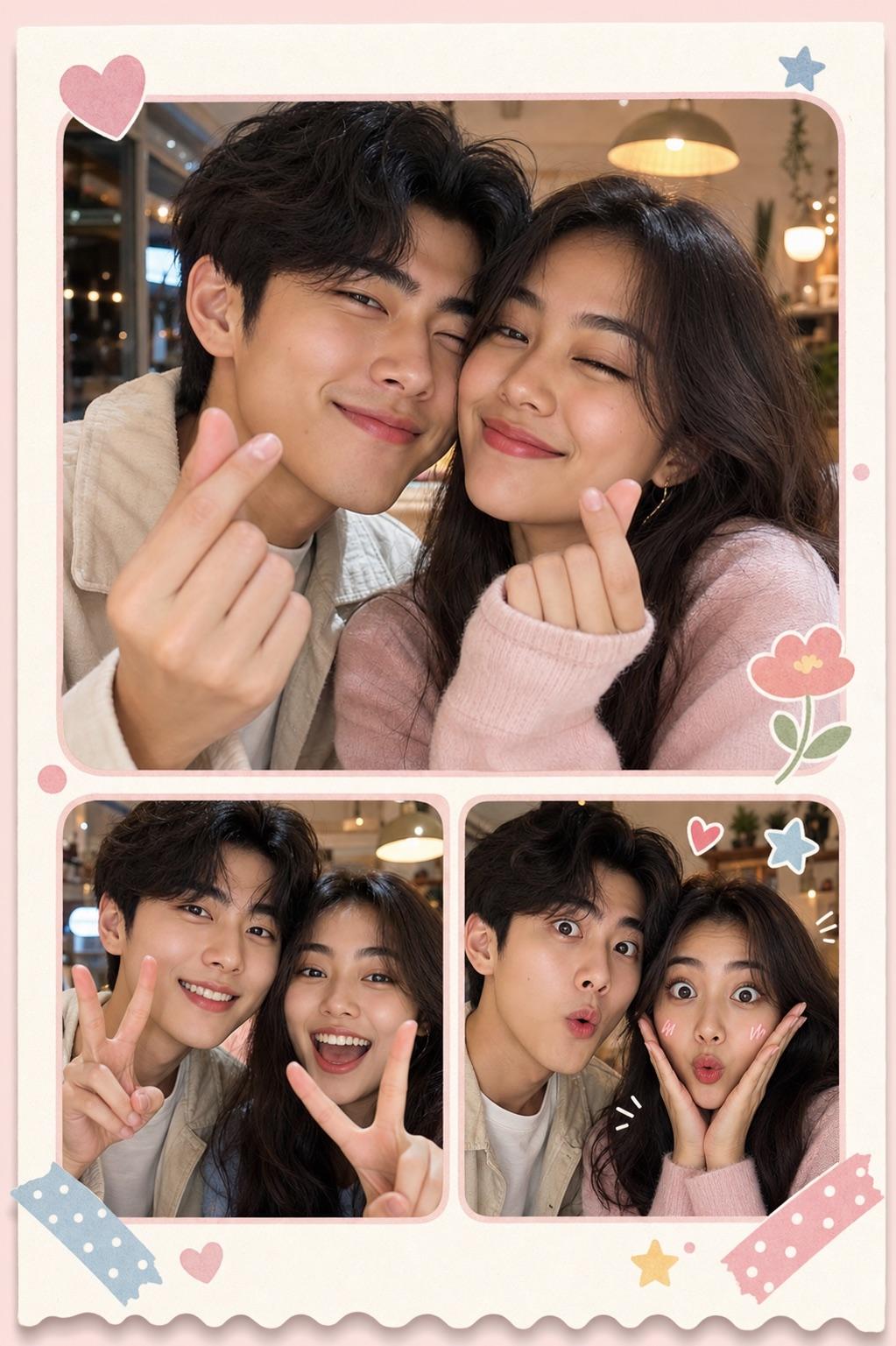
Best friends or couples can turn a few close-up selfies into a cute keepsake.
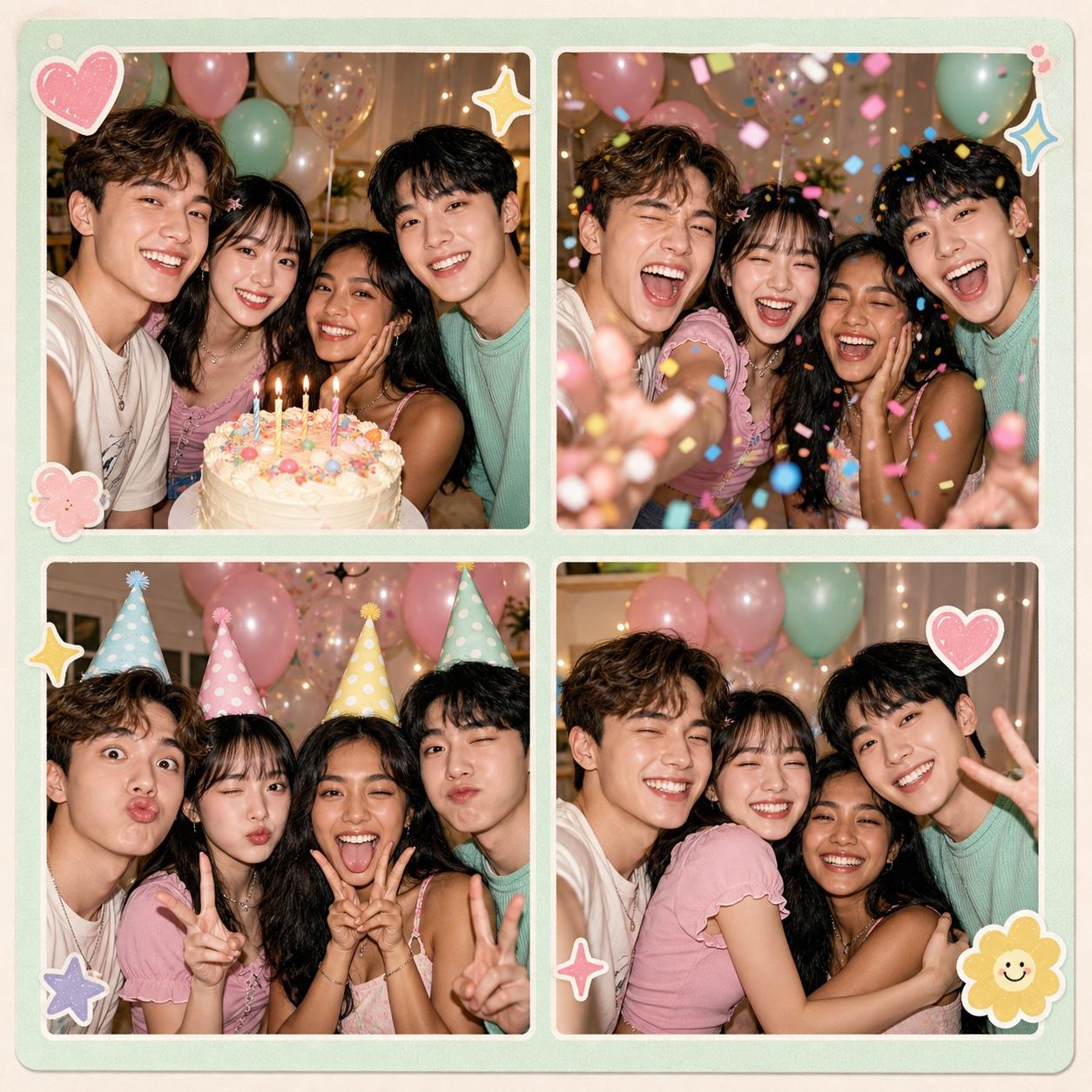
Party selfies keep cake, confetti, silly faces, and group reactions together.
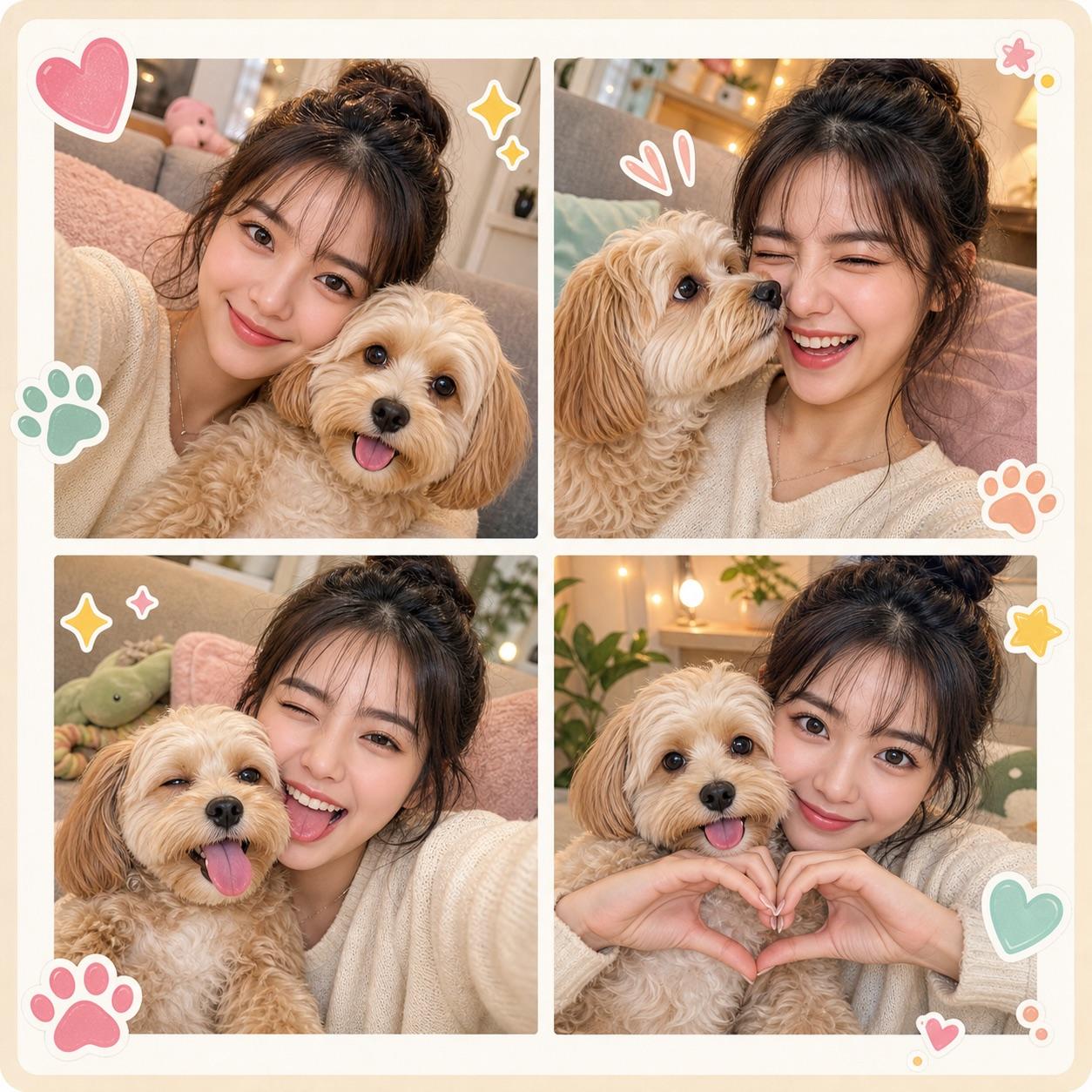
Make a keepsake with a pet using cuddles, nose boops, and matching silly faces.
Photo formats
2 × 6 Classic strip
2 × 4 Short strip
1 × 1 Square
4 × 3 Landscape
Photos stay on your device.
Read the privacy policyA photobooth online is a browser-based photobooth. Snap strip-style shots with your webcam, then save the result without an app or account.
Yes. This photobooth online webcam asks for camera permission only when you start, and your photos stay on your device.
Yes. It is a free photobooth online, so you can save strips at no cost with no subscription and no watermark.
Yes. Take the photos first, then switch between avatar ratios, strip, grid, and postcard layouts. Frame colors, filters, date, and time remain editable.
Choose your shot count now. Layouts, filters, frames, date, time, and decorations stay editable afterward.